

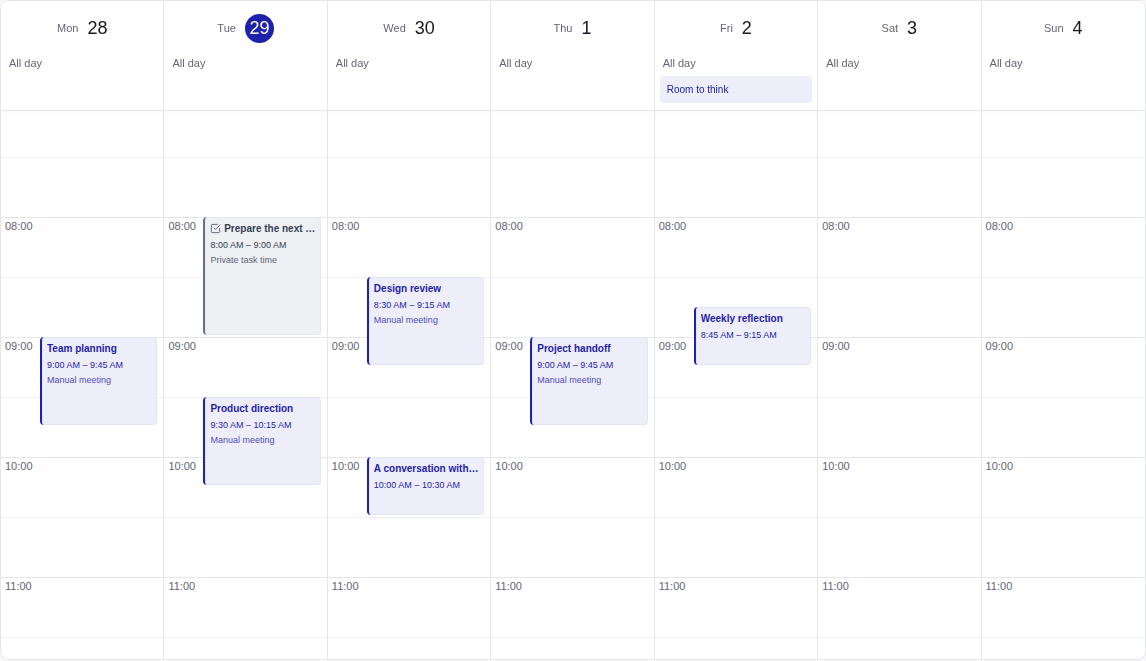
See the shape of your day.
Switch between a day, a week, a month and a simple agenda. Overlapping meetings keep their own place; all-day events stay attached to their dates. Choose the time zone and week start that fit the way you work.
Keep the details one step away.
Open a meeting to find its agenda, linked person, notes and next actions. An existing supported meeting link gives you a direct way to join. Google, Microsoft and Zoom connections depend on account permissions and the configuration shown in Settings.
Cross a time zone without losing an hour.
A meeting happens at a particular instant. The calendar shows that instant in your selected time zone, including the repeated or missing hours when clocks change. A date-only item keeps its original date. When a local time is ambiguous, review the offset before saving.
Leave room to do the work.
A private work block allocates time to a task without changing its deadline or inviting anyone. New bookings and work blocks check the latest availability before saving. An event later arriving from an external calendar can still conflict; the planner shows that conflict for you to resolve.